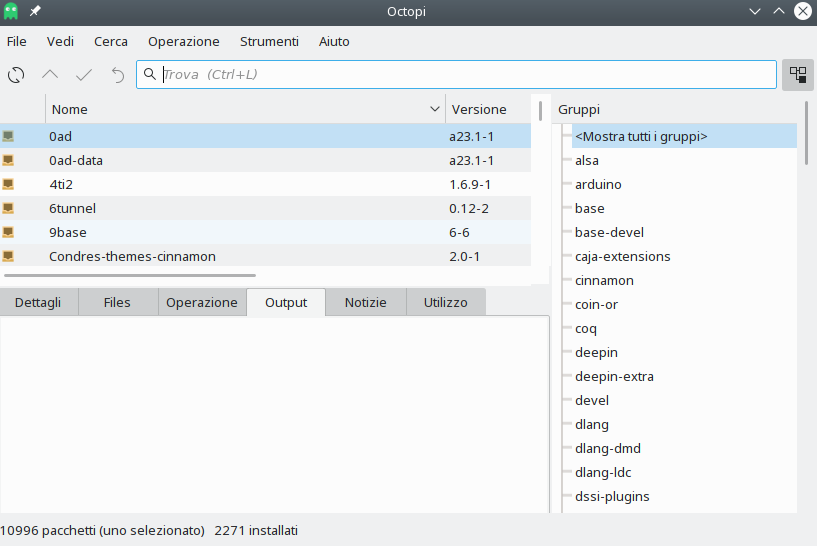
To solve the problem of not downloading the packages from the pamac graphic software, do the following:
Open terminal:
sudo nano /etc/pacman.conf
Change Optional to Never
[condresrepo]
SigLevel = Never
Server = https://repository.codelinsoft.it/condres-core-signed/
or download condres-keyring and install
sudo pacman -U condres-keyring-1:2.1-2-any.pkg.tar.xz
sudo pacman -S archlinux-keyring
sudo pacman -Syu
If you see this error, do not worry. The system keys have been updated.
error: condresrepo: key "F4FD3C62E763A51B4C523BA24F76D9DD88F78E3F" is unknown
Install condres-keyring
sudo pacman -S condres-keyring
Remove pamac:
sudo pacman -Rdd pamac pamac-tray-appindicator
Install octopi:
sudo pacman -S octopi octopi-cachecleaner octopi-notifier-frameworks octopi-pacmanhelper octopi-repoeditor
With octopi you will no longer have the problem of packages that seem to be corrupted with pamac. In fact we are solving so that we will replace it altogether.