Welcome to Condres!
This guide provides a brief overview of some key knowledge points necessary to get the most out of using the Condres operating system.
Software Updates and Management using OCTOPI (QT)

KDE, LXQT, and others use an application called Octopi for software updates and management. Notifications will automatically appear on the desktop when new updates become available.
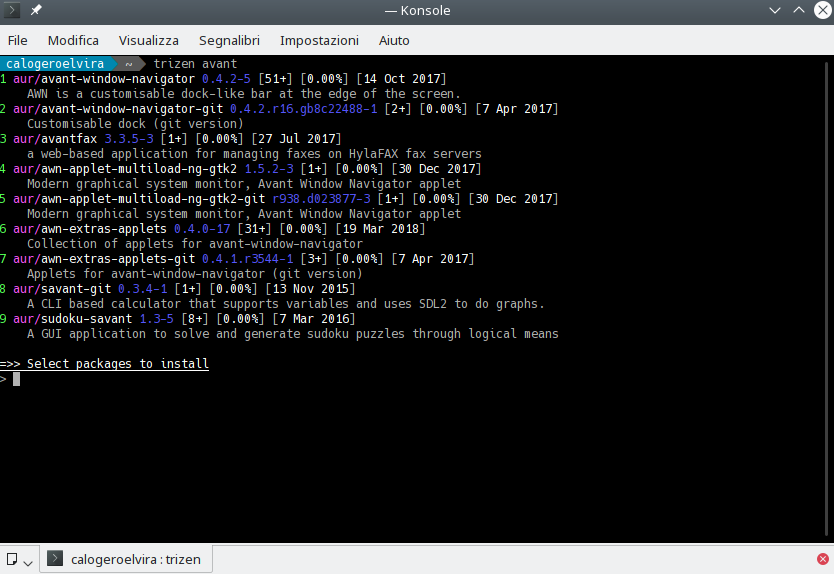
Tip: Octopi can install Packages from the AUR (via trizen or yaourt) as well
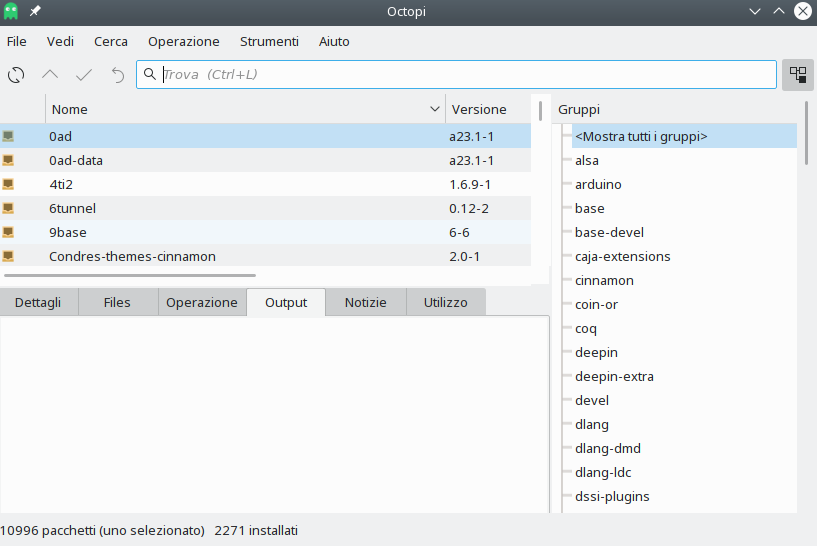
- To install available updates click the menu icon at the bottom of the application window (in this illustration, next to the red star), and then select Install.
- To install a package after searching, right-click the listed package (ins, and then select Install. Once done, then click the green tick icon at the top to confirm.
- To remove a package after searching right-click the listed package (installed packages will have a green icon with a tick next to them), and then select Remove. Once done, then click the green tick icon at the top to confirm.
On occasion, particularly when installing new software applications, several other software packages will also be automatically installed as well. These are known as dependencies, as they are necessary for whatever is being installed to work properly. In other words, the software package being downloaded is dependent upon them.
Pamac will list the dependencies required for software packages in the information pane. For example, as illustrated, if the VLC Media Player were to be installed, then several other software packages –such as to allow it to play different media formats– would also be automatically be downloaded if not already installed on the system. Without them, the Media Player would not be able to play certain media formats, or perhaps not be able to play anything at all!
Tip: You won’t need to worry about dependencies yourself, as they will be automatically identified and downloaded for you when necessary.
Condres Settings Manager
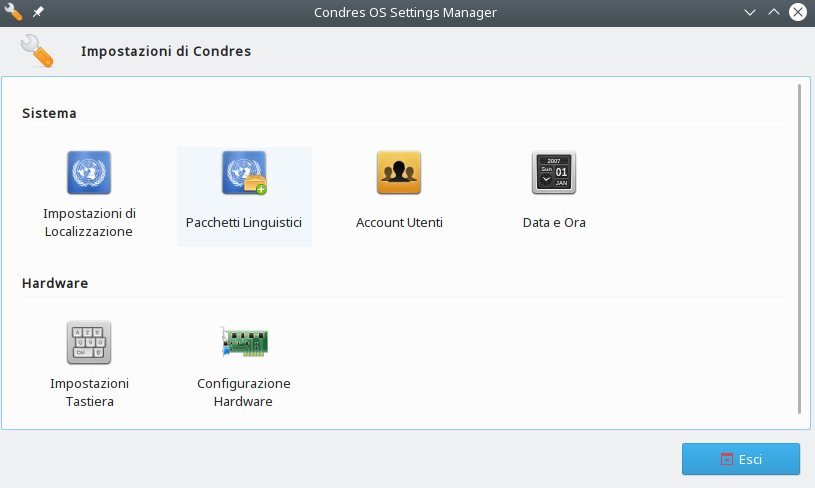
The Condres Settings Manager offers you GUI settings, which are either enabled by Condres (i.e. installation of multiple kernels and easy installation of non-proprietary and proprietary graphics drivers) or are missing from at least some of the popular Desktop Environments and Window Managers.
Condres Settings Manager is under development and might offer even more settings in the future than illustrated on the right.
The Arch User Repository (AUR)
Although Condres is compatible to Arch –being based on Arch itself– it is not possible to access the official repositories of the Arch System to download software. Condres instead uses its own official repositories in order to ensure that any software packages provided (e.g., system updates and applications) have been fully tested and are completely stable before release.
However, it is still possible to access additional software packages from the Arch User Repository (AUR), which is managed by the Arch community of users themselves. Although this repository is unofficial, software packages first placed here are known to make their way into Arch’s official repositories if they become popular enough.