
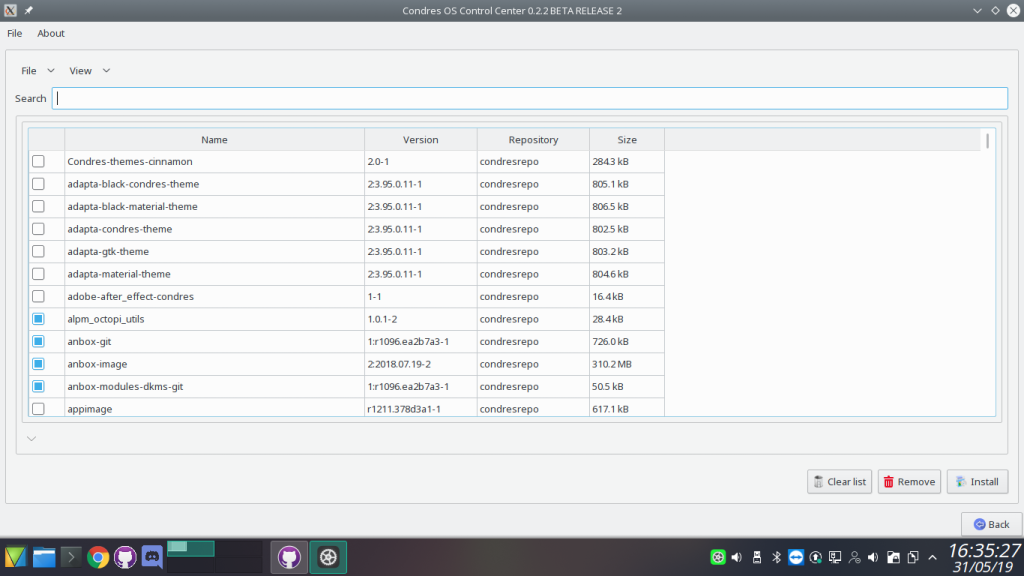
Condres Control Center is a computer program written in QT for the configuration of Condres OS Linux, a Linux distribution. It is a tool that allows easy configuration of Condres. It is licensed under the open-source GNU General Public License.
CondresControlCenter is a beatiful system software management.
Condres Control Center handles install packages, software update, editor repository, cleaner the cache,view log of installation, keyboard configuration, hardware configuration, sharing samba and nfs, accont user, language, date and time.
Install
pacman -S condres-control-center
Software Management:
In the management software section you can manage the installation of the packages, update the system, configure the repositories, see the history of installed packages and clean the package cache.
| Manage package installation and removal. | 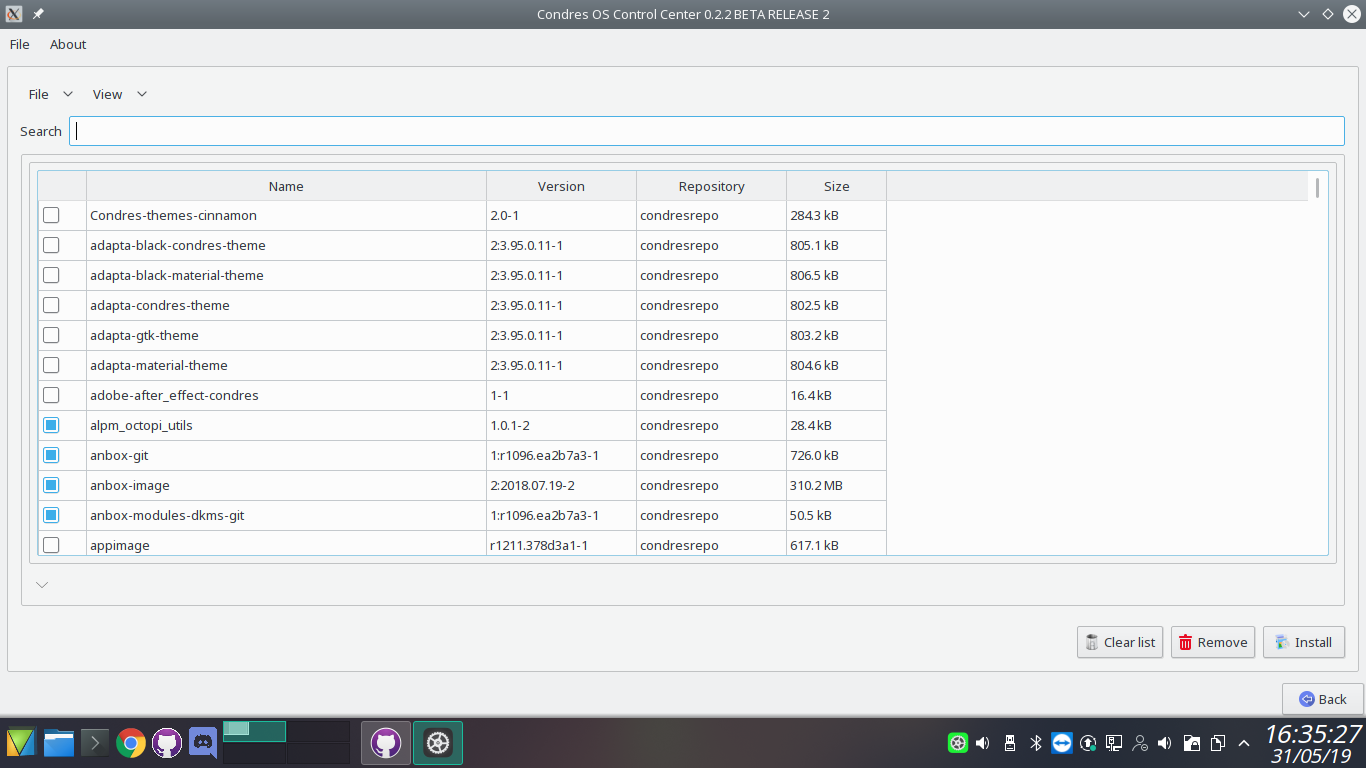 |
| You can configure repositories using this function | 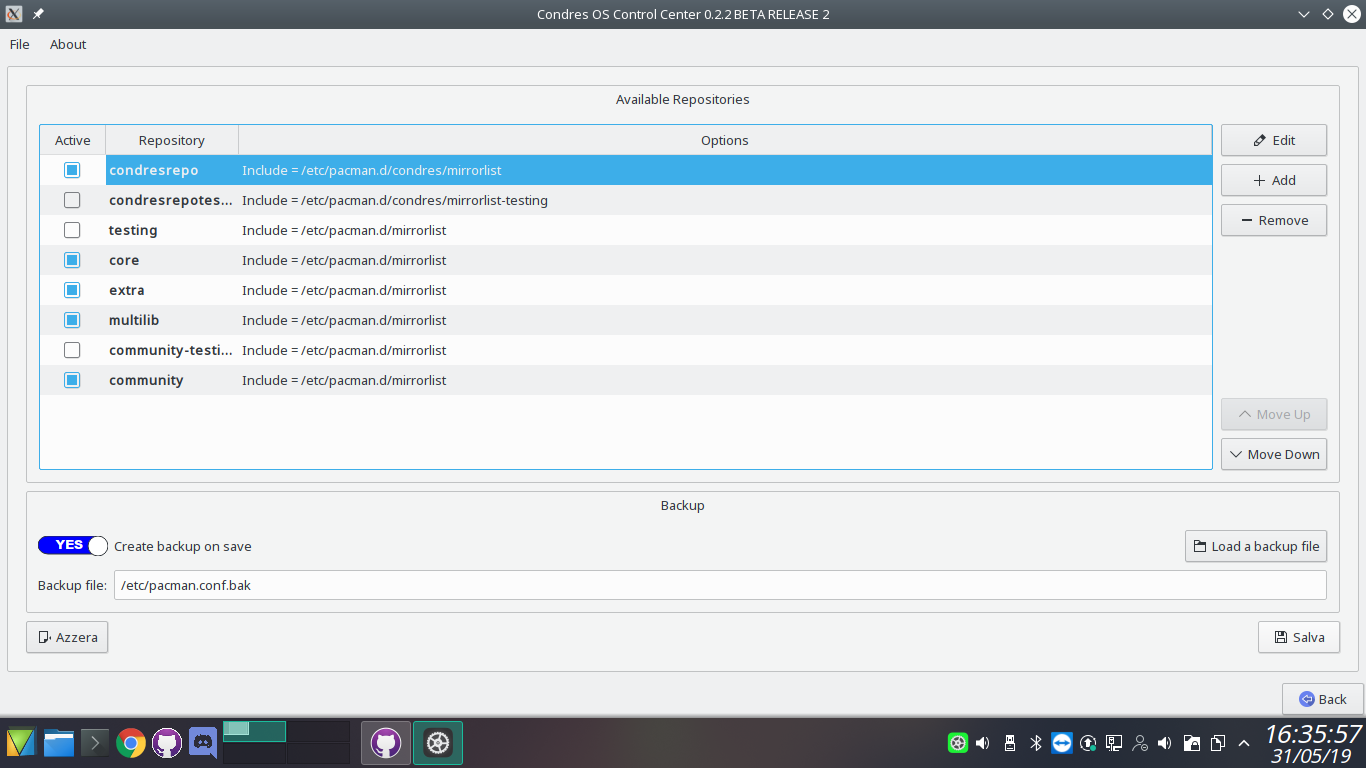 |
| This feature allows you to view all the history of installed and/or updated packages. | 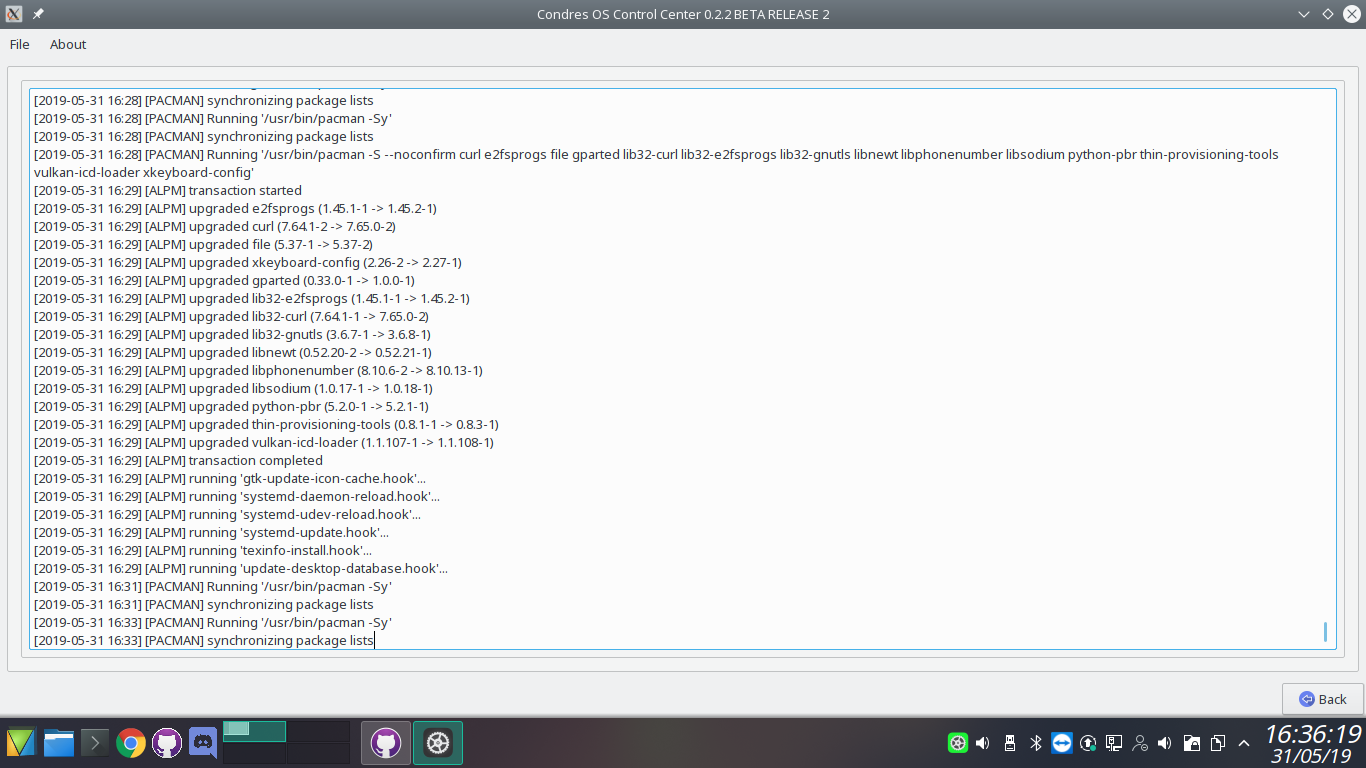 |
| Here you can safely delete the package cache found in /var/cache/pacman/pkg | 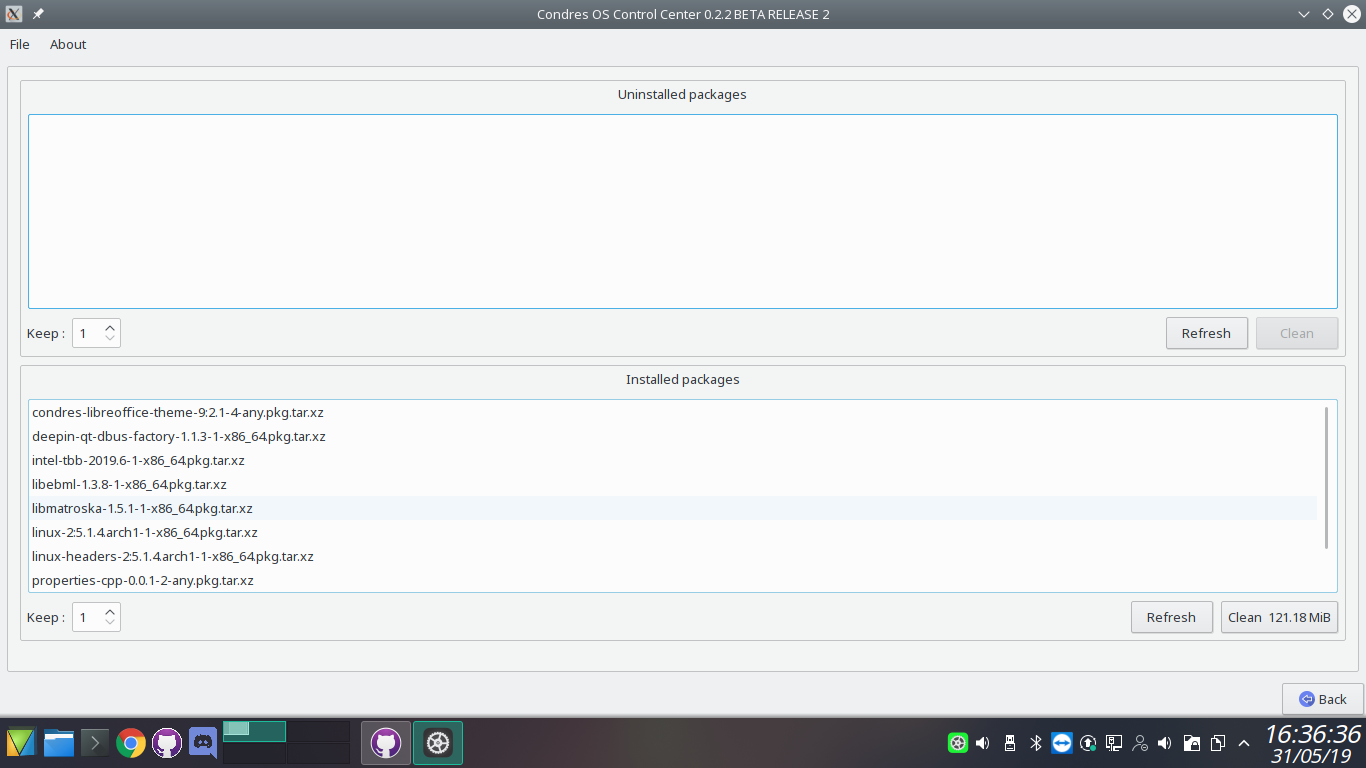 |
Hardware
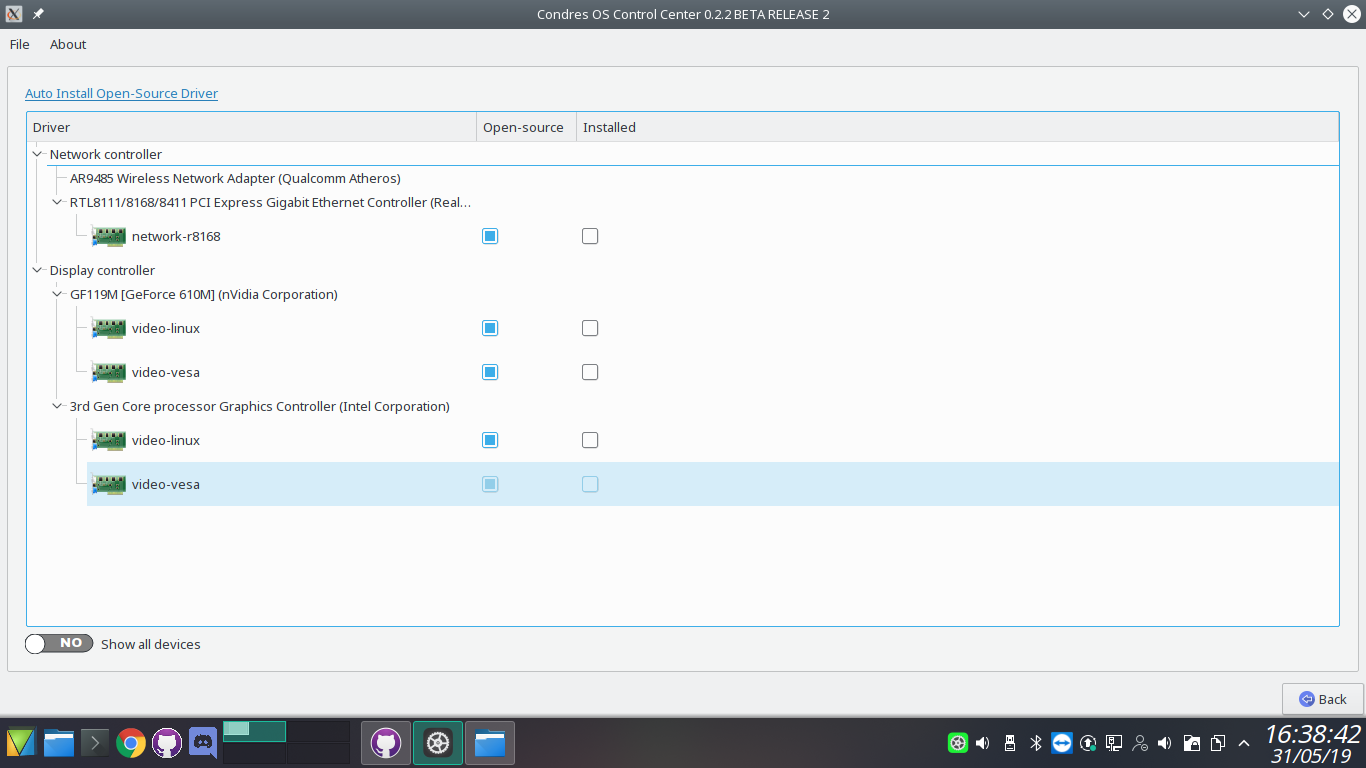
Currently the hardware function allows you to manage the layout of the keyboard and the hardare components of your PC.
| The keyboard configuration allows you to set the exact type by choosing the exact configuration | 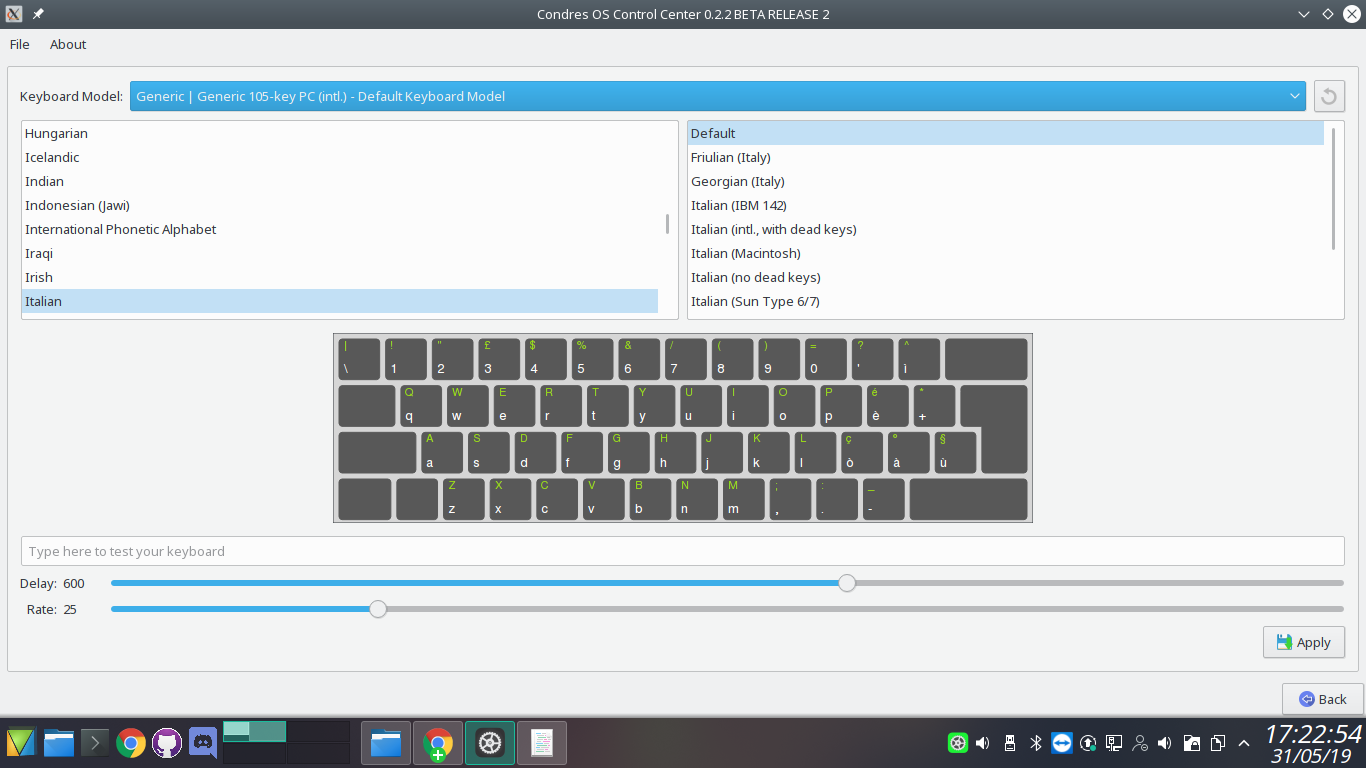 |
| Here you can see your hardware configuration and automatically install the drivers for your peripherals. Your driver is managed automatically. |
 |
Sharing
Samba is a re-implementation of the SMB networking protocol. It facilitates file and printer sharing among Linux and Windows systems as an alternative to NFS.
Because the samba package does not provide this file, one needs to create it before starting smb.service. A documented example as in smb.conf.default from the Samba git repository may be used to setup /etc/samba/smb.conf
Fortunately, all the manual procedure is avoided with our control center.
| Samba is an important component to seamlessly integrate Linux/Unix Servers and Desktops into Active Directory environments. It can function both as a domain controller or as a regular domain member. | 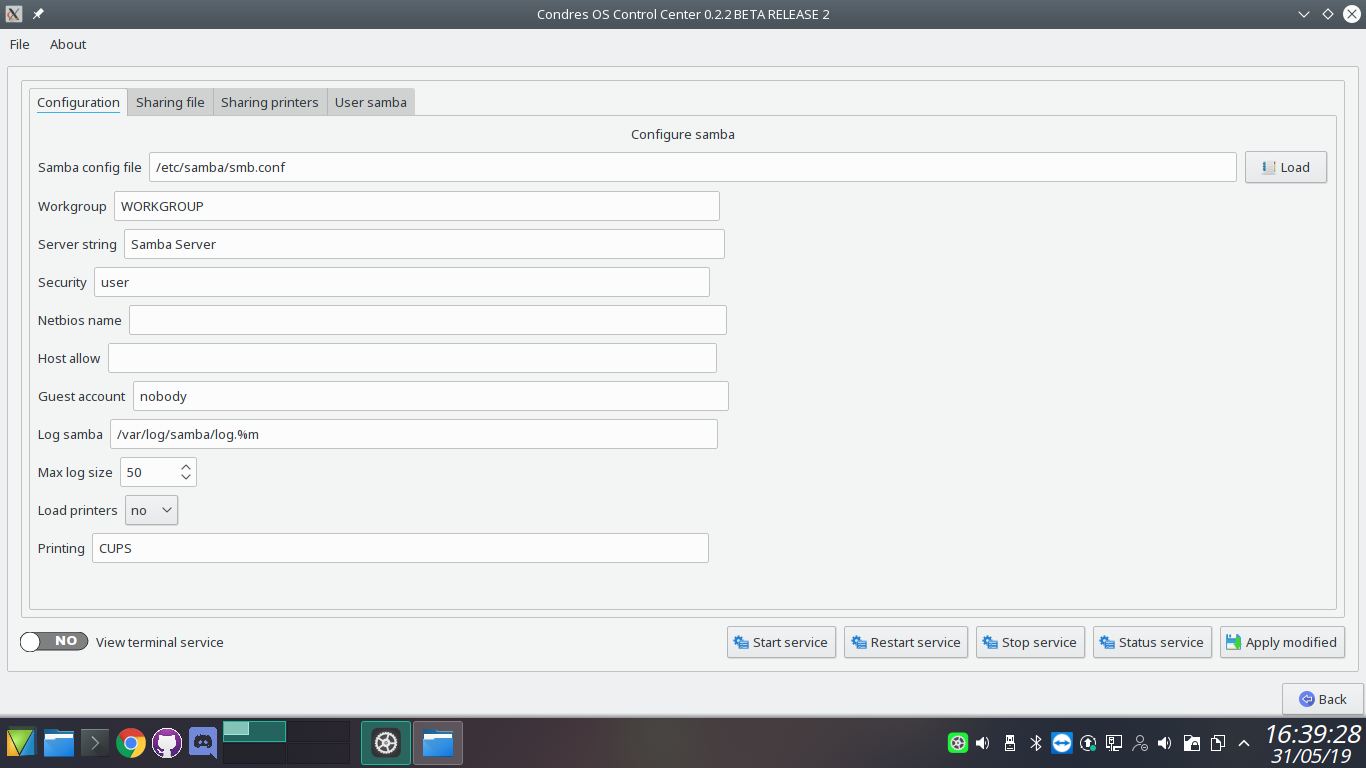 |
| The samba configuration is completely automatic, only making the share of the directory and giving the exact permissions. | 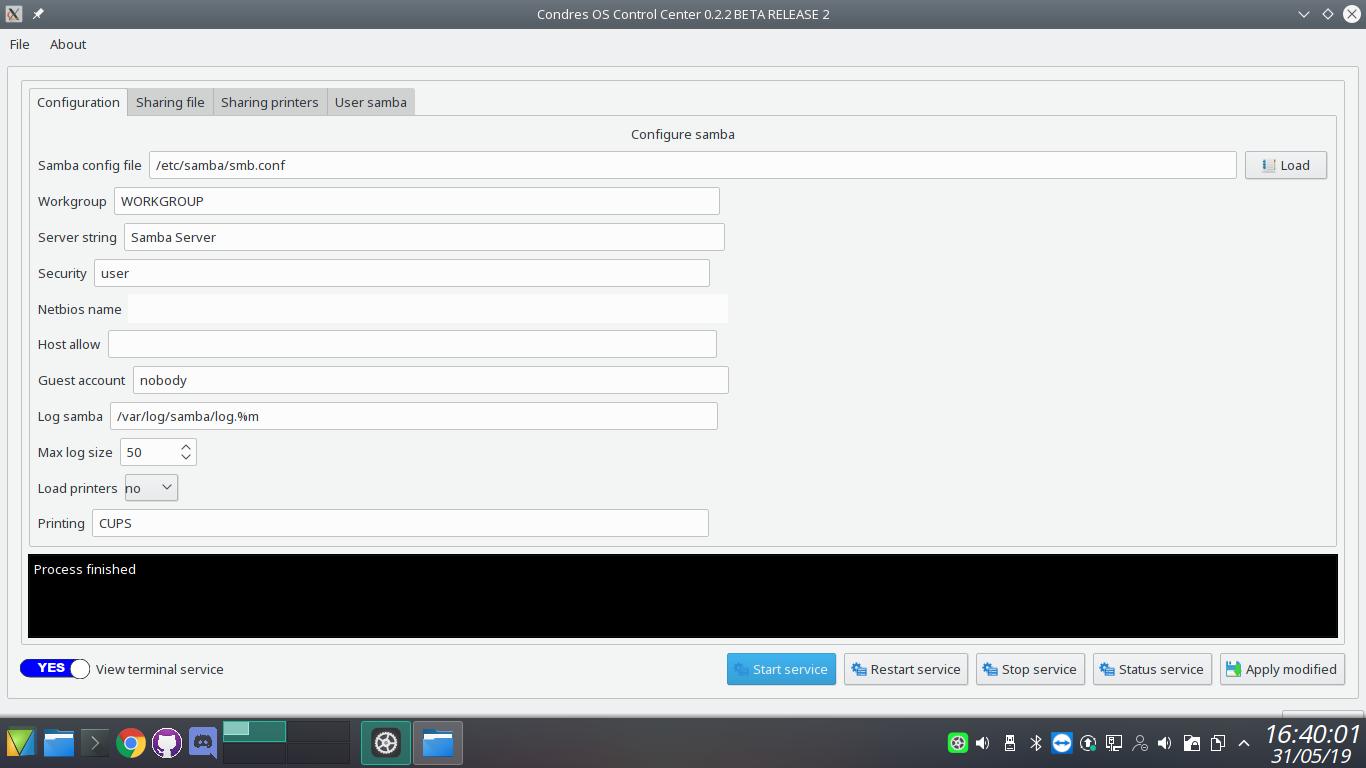 |
NFS
Network File System (NFS) is a distributed file system protocol originally developed by Sun Microsystems in 1984, allowing a user on a client computer to access files over a network in a manner similar to how local storage is accessed.
Note:
- NFS is not encrypted. Tunnel NFS through an encrypted protocol like Kerberos, or tinc when dealing with sensitive data.
- Unlike Samba, NFS does not have any user authentication by default, client access is restricted by their IP-address/hostname.
- NFS expects the user and/or user group ID’s are the same on both the client and server. Enable NFSv4 idmapping or overrule the UID/GID manually by using
anonuid/anongidtogether withall_squashin/etc/exports.
| The configuration of nfs happens automatically, you just have to set the parameters you need, and not only that, if the package is not installed, our control center will do it for you. | 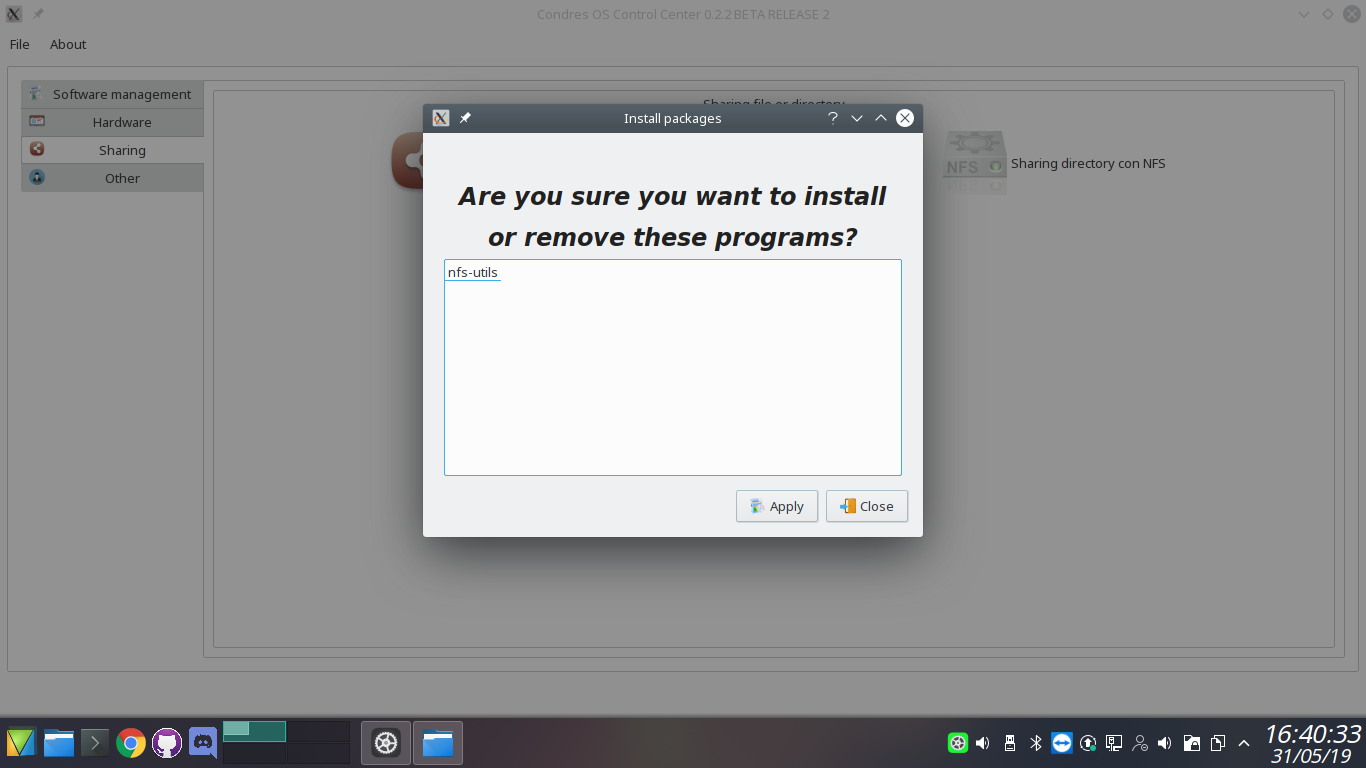 |
| NFS configuration | 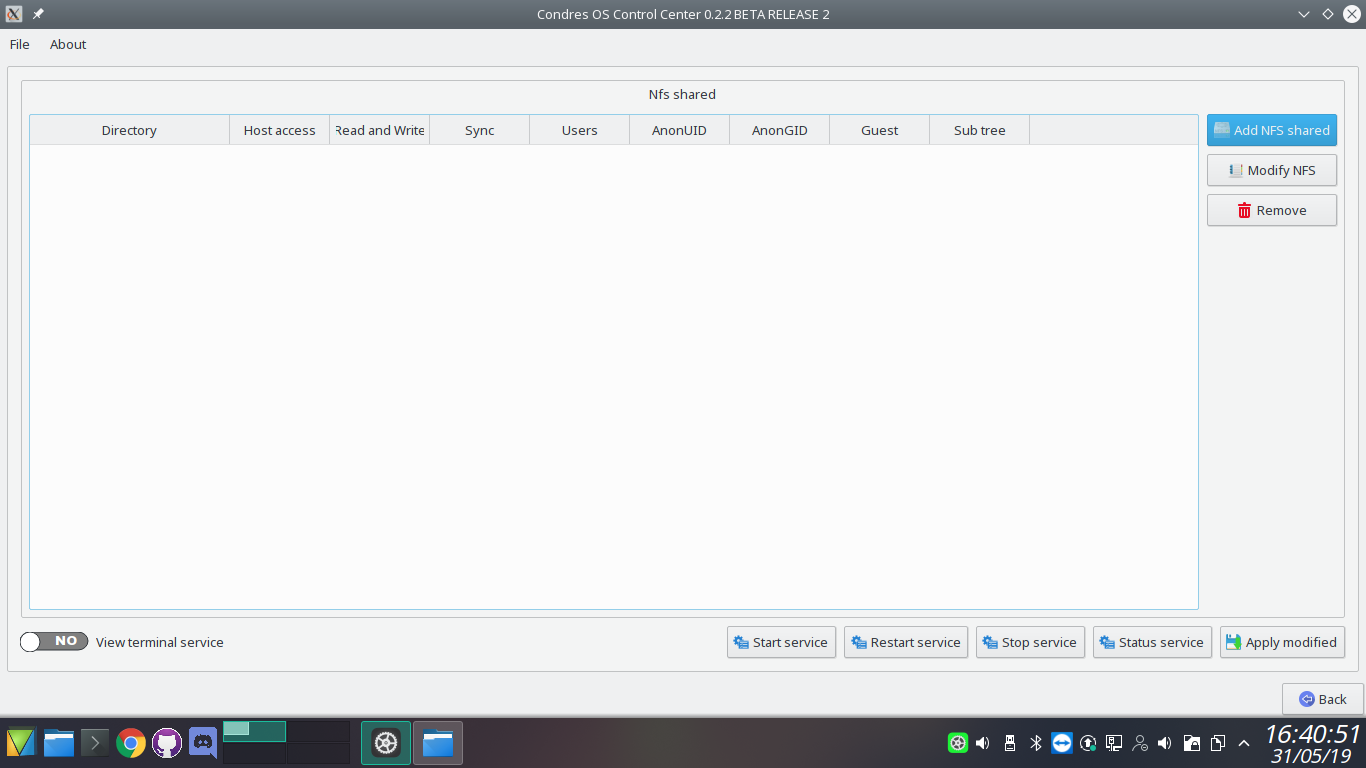 |
Other
Users and groups are used on GNU/Linux for access control—that is, to control access to the system’s files, directories, and peripherals. Linux offers relatively simple/coarse access control mechanisms by default.
Locales are used by glibc and other locale-aware programs or libraries for rendering text, correctly displaying regional monetary values, time and date formats, alphabetic idiosyncrasies, and other locale-specific standards.
Date and time: in an operating system, the time (clock) is determined by four parts: time value, whether it is local time or UTC or something else, time zone, and Daylight Saving Time (DST) if applicable.
| In this area you can enter a new account, set the language or the system date and time. | 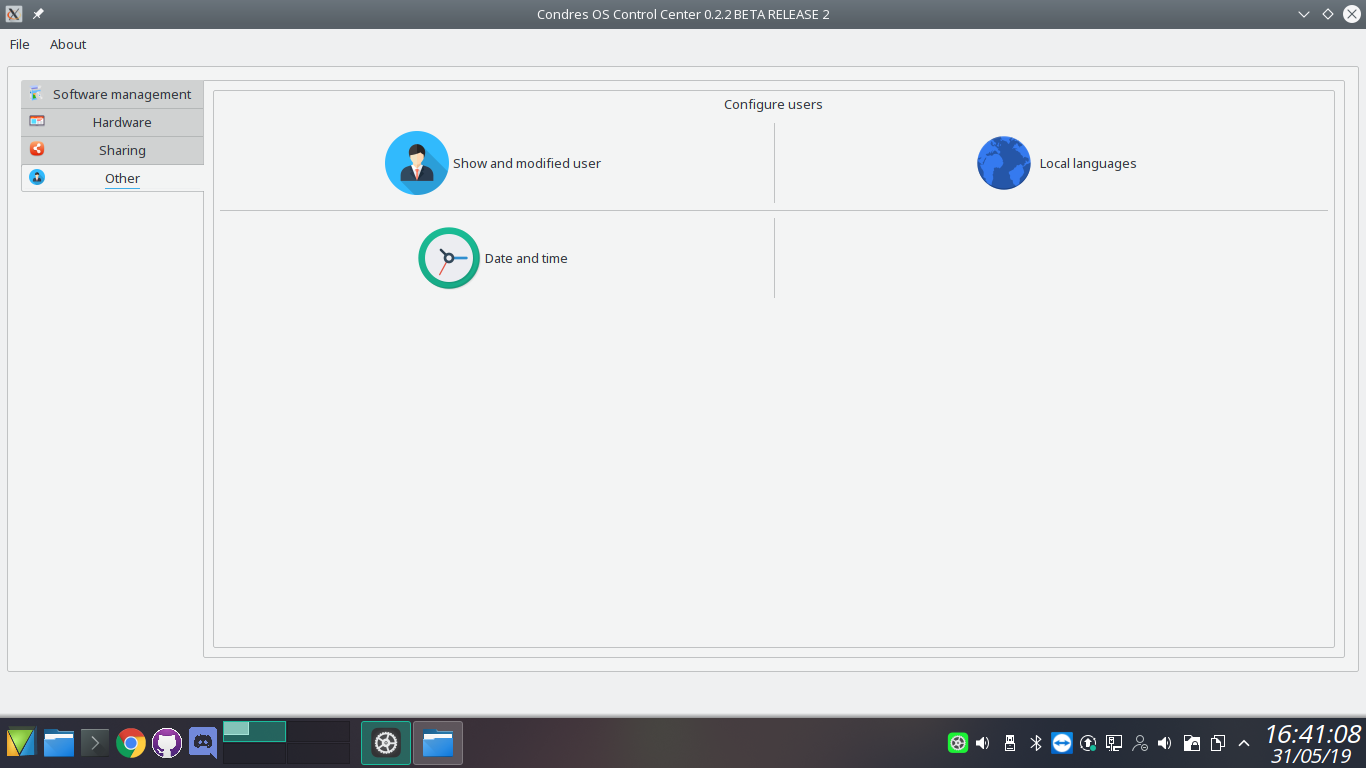 |
Build source
For those who would like to test new features you can compile the source like this:
- condres-control-center-plugin ( request for the compilation of condres-control-center )
cd PluginCondresControlCenter
cmake -DCMAKE_INSTALL_PREFIX=/usr
make
sudo or su make install
- condres-control-center
cd CondresControlCenter
cmake -DCMAKE_INSTALL_PREFIX=/usr
make
sudo or su make install
Copyright: Author 2019 Angelo Scarnà
Testing Calogero Scarnà
Partial of code Octopi and Manjaro settings manager